
See your stone in real kitchens before you commit.
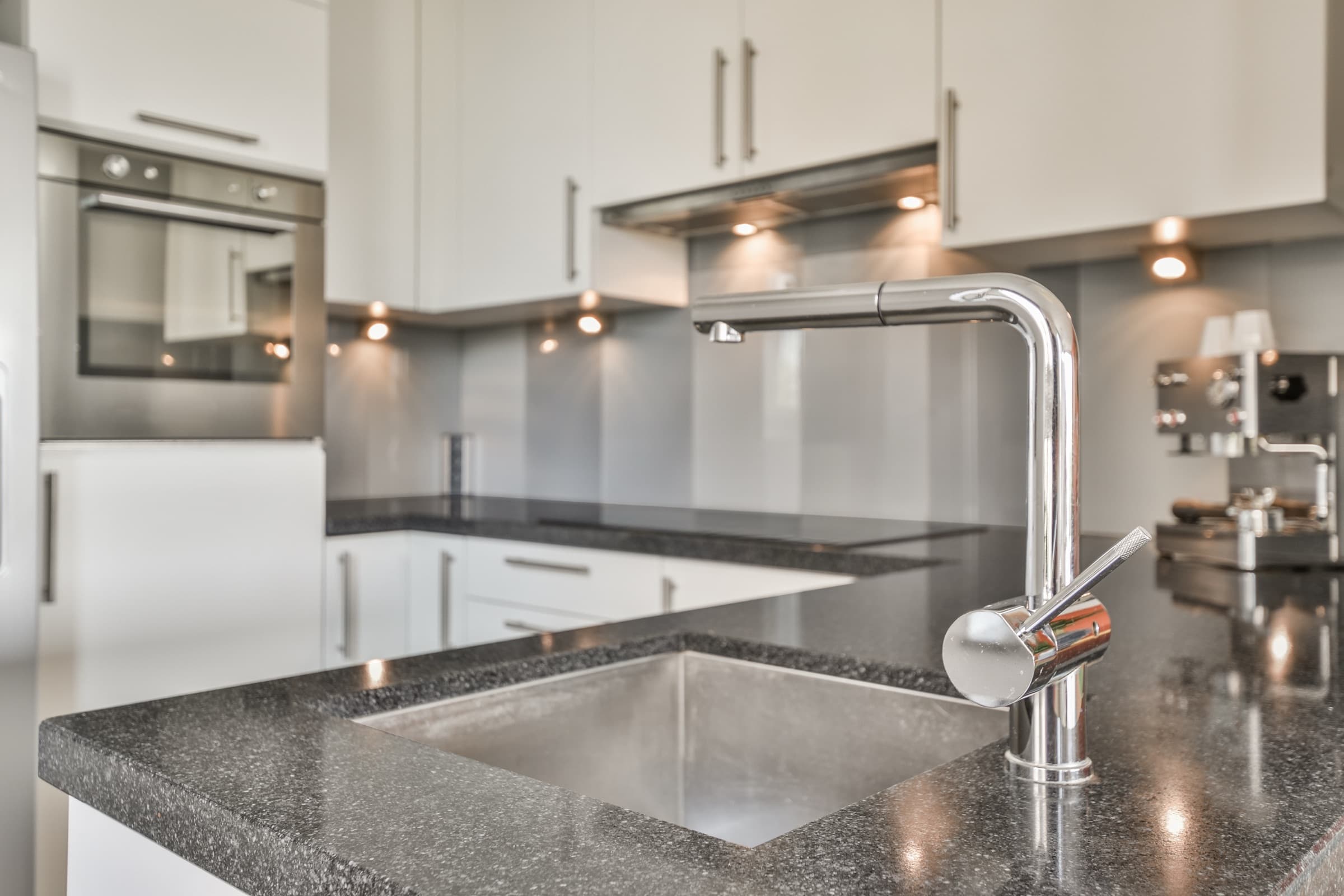
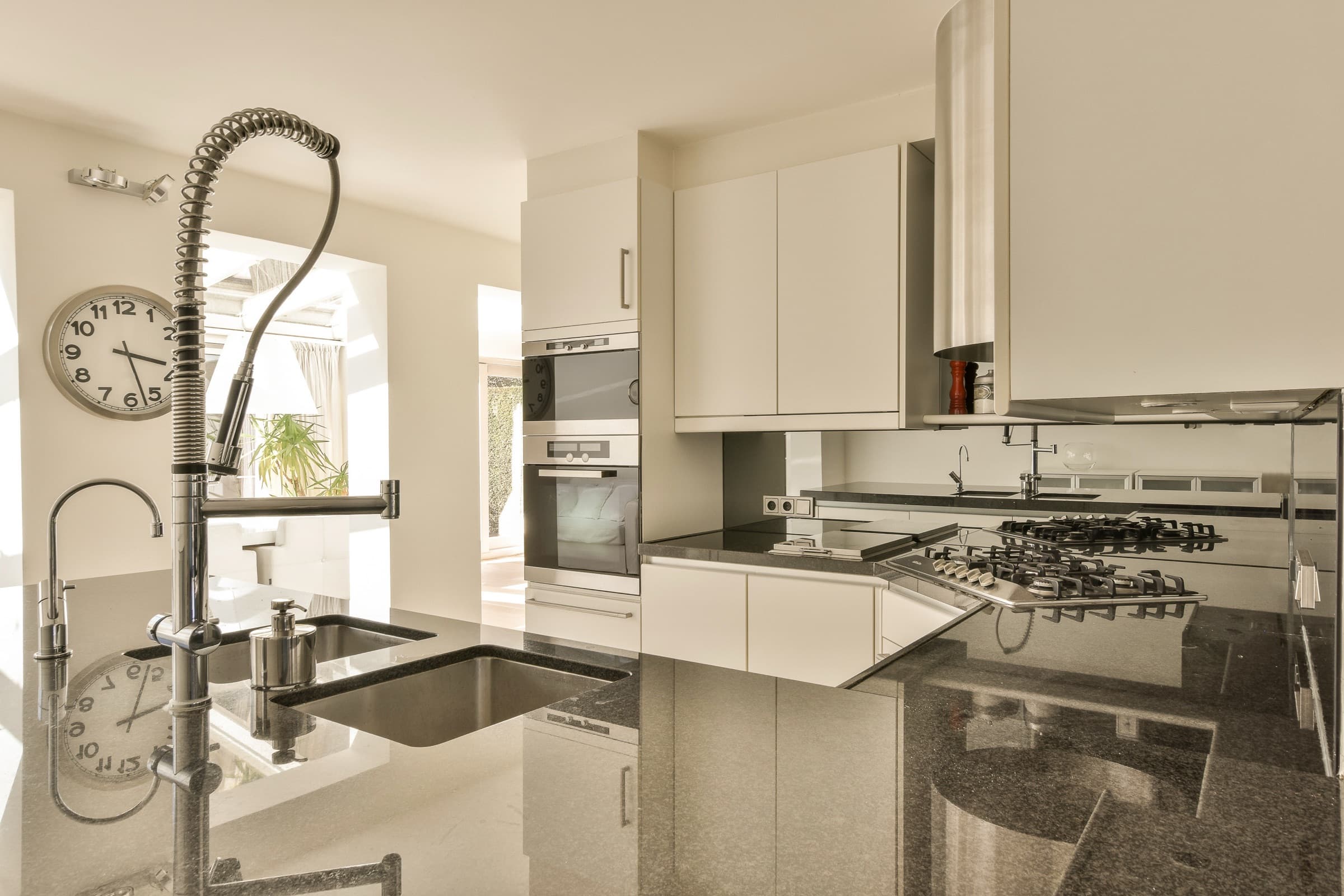
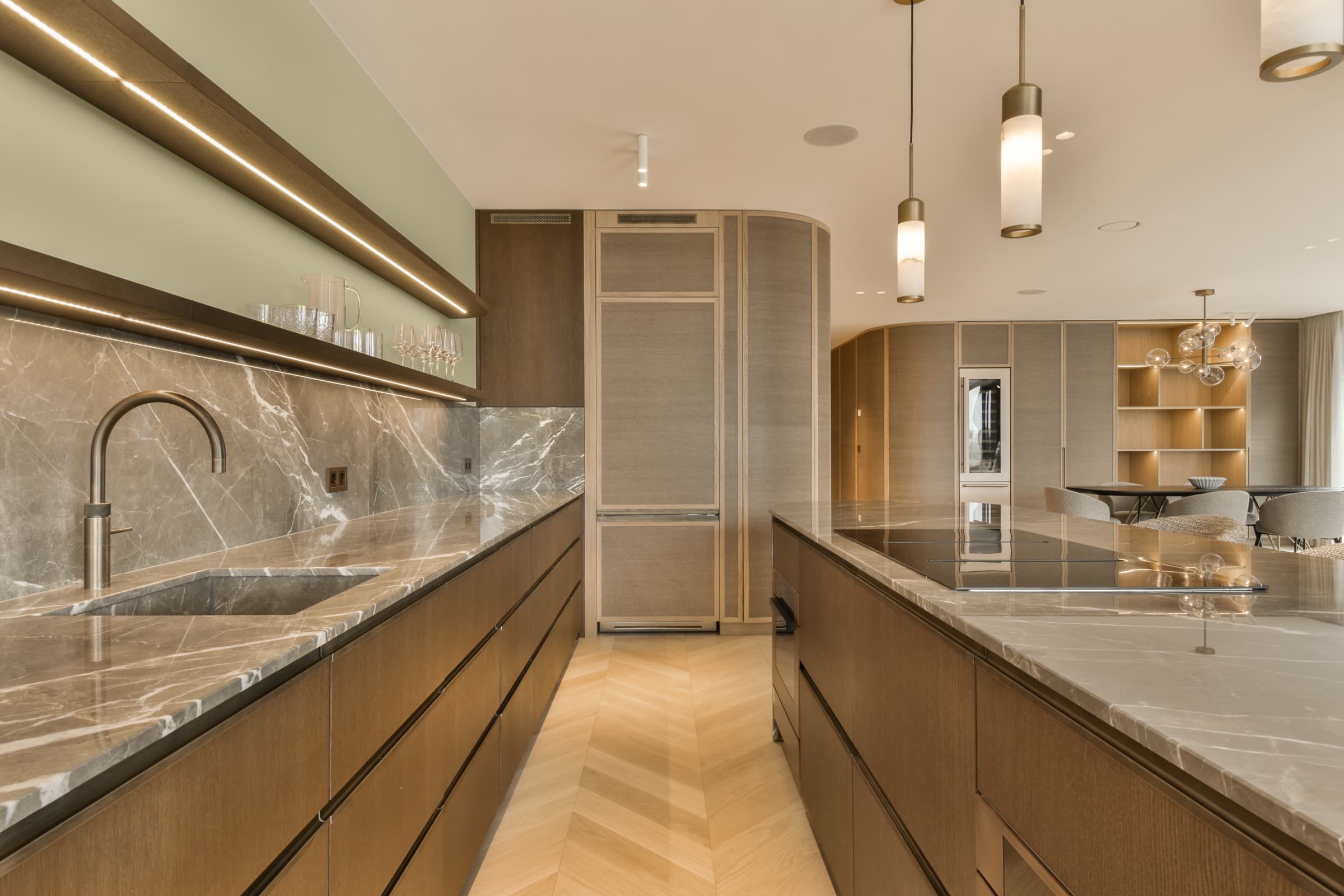
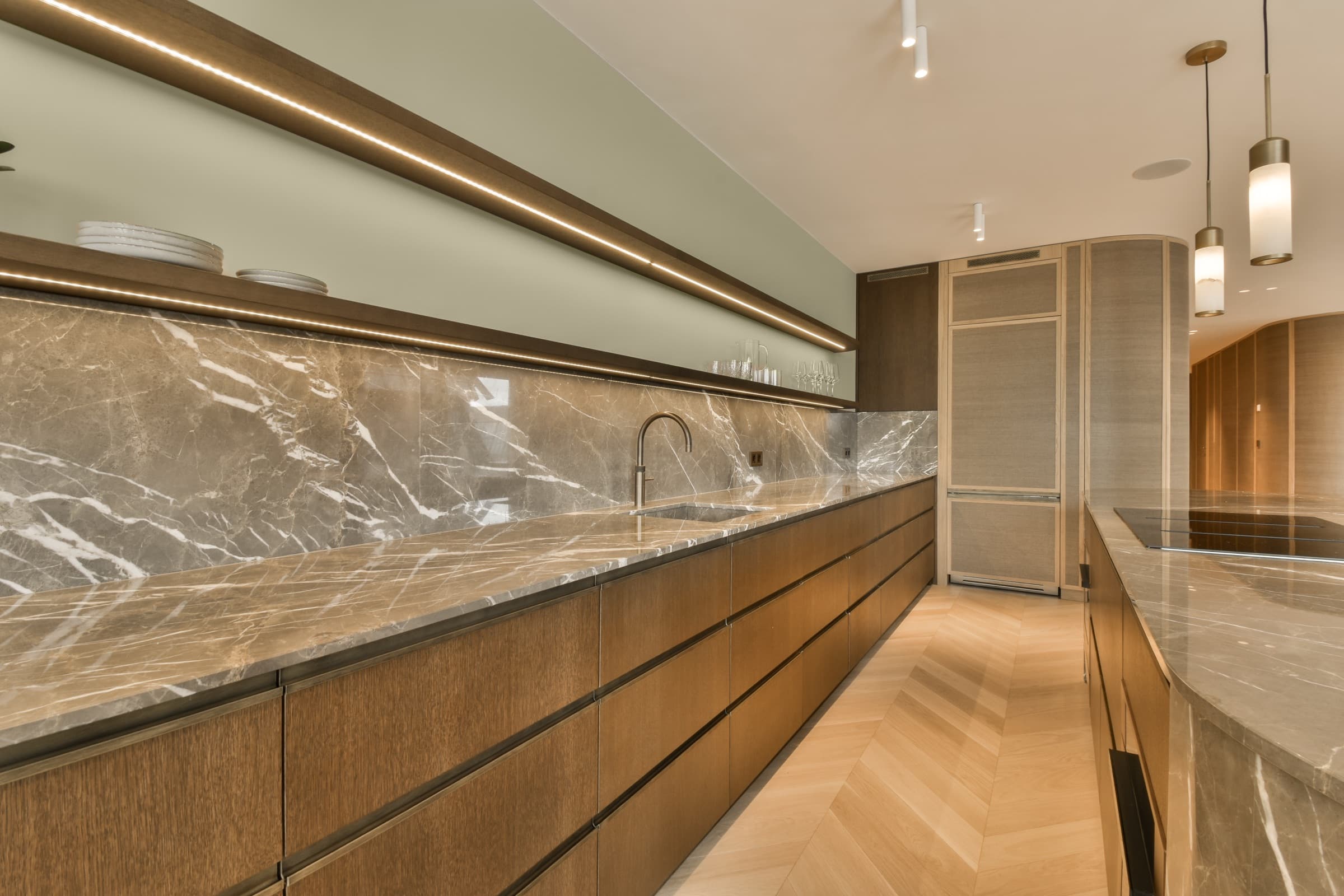
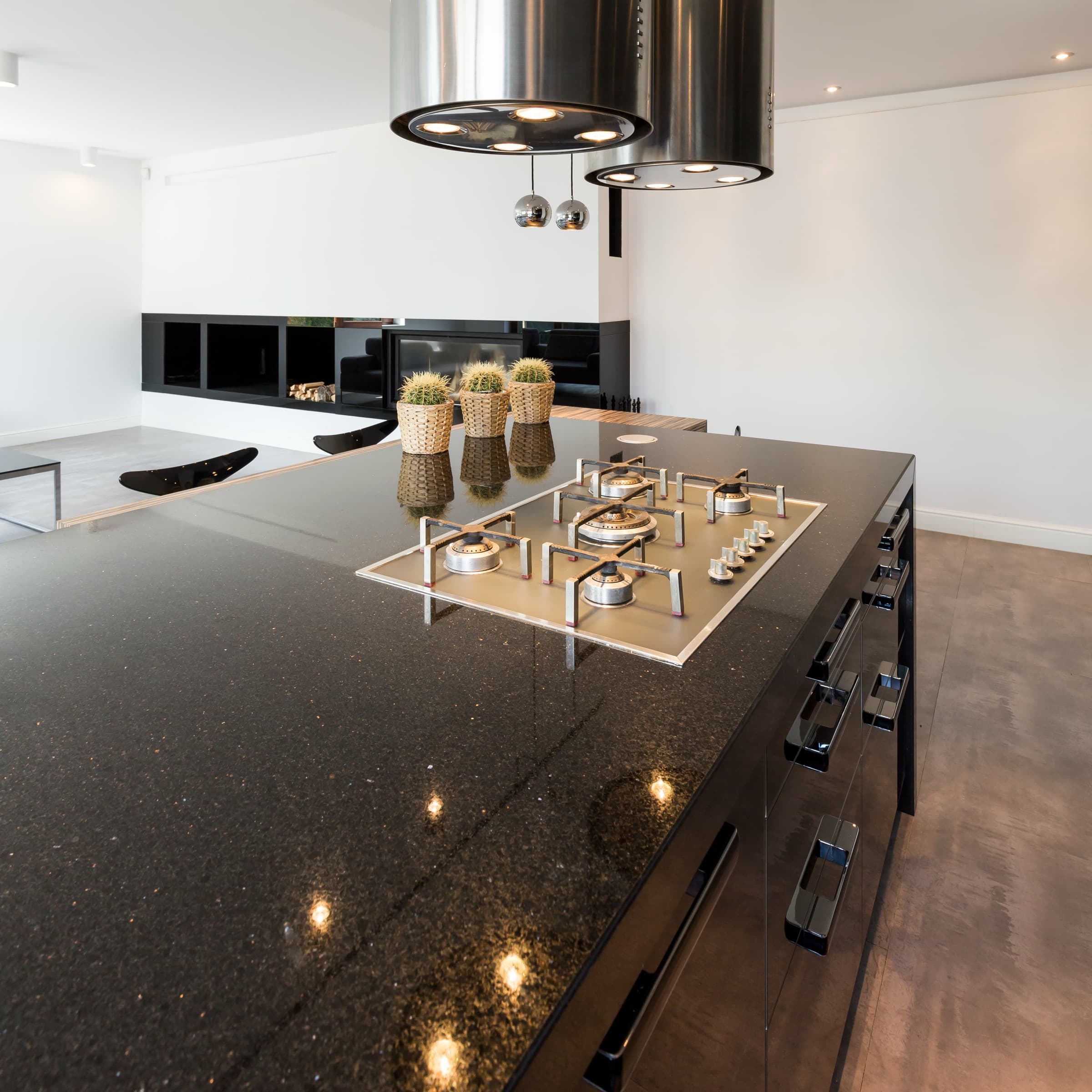
At High Definition Stone we want you to fall in love with your kitchen before we ever cut a slab. Preview granite, quartz, and marble in real interior settings against the cabinets, floors, and finishes you're considering.
100% free in-home estimate · We respond fast, usually the same day.
Works on phone and tablet
Browser-based, no app required. Use it on iPhone, iPad, or any laptop.
Real interior scenes
Drop different slabs into modern, transitional, and classic kitchen environments.
Backed by our team
Once you pick a favorite, we walk the yard with you to choose the actual slab.
Visualizer hosted by MSI Surfaces. For a hands-on look at the slab going into your home, schedule a free in-home estimate.
A few tips before you click.
The visualizer is great for narrowing down a direction. It's not a final word, just a starting point that saves you (and us) a lot of guesswork.
- 1Pick a room scene that's close to your own kitchen layout.
- 2Try a few materials side by side before you settle on a favorite.
- 3Pay attention to undertones. A warm cream cabinet pairs differently with cool gray quartz than warm beige granite.
- 4Save or screenshot your top picks and bring them to your free estimate.
More visualizers coming soon
MSI keeps rolling out new tools. We'll embed them here as they launch.
- Bathroom VisualizerPreview vanity tops and shower surrounds.
- Countertop Edge VisualizerCompare bevel, ogee, eased, and bullnose edges live.
- Stacked Stone VisualizerSee accent walls and fireplace surrounds in stone.
Five premium stone materials. Hundreds of slabs.
Granite, quartz, marble, quartzite, and soapstone. We help you pick the right one for how you actually live.
Bring your picks to a free estimate.
Save your favorite scenes from the visualizer and we'll walk our yard to find the actual slab that matches the look.